
Online advertising
Google Ads and Law 25: tracking conversions with Consent Mode V2
Nzenga Edjidjimo · · 3 min read
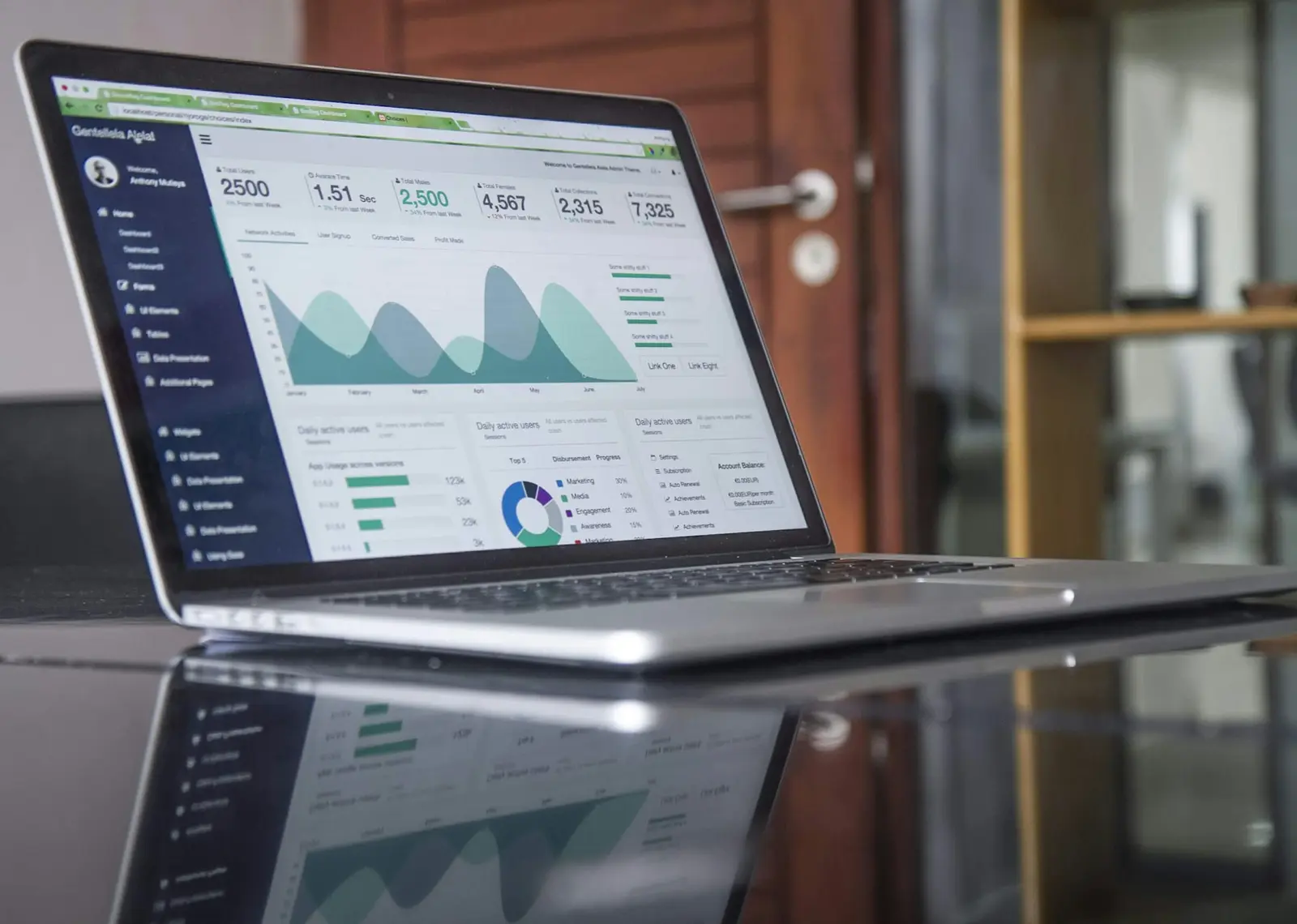
Since Law 25 made consent mandatory for tracking technologies in Québec, many advertisers have seen the same thing: the cookie banner goes up, and reported conversions in Google Ads go down. Campaigns did not suddenly get worse. They simply lost the data that tells Google which clicks turned into clients, and smart bidding loses its compass.
The fix is not to remove the banner. It is to set up consent and measurement properly.
What Law 25 changes for advertisers
Technologies that can identify, locate or profile a visitor, such as advertising and analytics cookies, must be off by default, and the visitor must actively choose to turn them on. In practice:
- Your Google tag cannot set advertising cookies before consent.
- Refusing must be as easy as accepting.
- Your privacy policy must explain what you measure and why.
What Consent Mode V2 does
Consent Mode is a Google framework that tells your tags what the visitor agreed to. Version 2 uses four signals:
- ad_storage: can advertising cookies be stored?
- analytics_storage: can analytics cookies be stored?
- ad_user_data: can user data be sent to Google for advertising?
- ad_personalization: can the data be used for remarketing and personalized ads?
Your cookie banner sets these signals to "denied" by default, then updates them when the visitor makes a choice. Google's tags adjust their behaviour accordingly.
Basic or advanced mode?
Basic mode
Google tags do not load at all until the visitor consents. Nothing is sent before a choice is made. It is the simplest and most conservative option, but you lose all information about visitors who refuse.
Advanced mode
Tags load with consent denied and send cookieless pings: no identifiers, no cookies, just signals that a page was viewed or a conversion happened. Google uses them to model the conversions it can no longer observe directly.
Advanced mode recovers more data, but it sends some information before consent. Review it with your privacy advisor before choosing: under Law 25, the safer path is basic mode, unless you are confident the pings contain nothing that identifies a person.
Recover lost conversions the right way
Enhanced conversions
When a visitor who has consented fills out your form or completes a purchase, enhanced conversions send a hashed (encrypted one-way) version of their email or phone to Google, which matches it to the ad click. It is one of the most effective ways to restore measurement, as long as it only runs with consent.
Import offline conversions
For lead generation, the real conversion is often a signed contract, not a form. Importing qualified leads or sales from your CRM teaches bidding to optimize for clients, not for form fills.
Measure what matters
Fewer, better conversions beat many weak ones. Track a submitted quote request or a booked call as the primary conversion, and keep page views or scrolls as secondary signals only.
A setup checklist
- A consent banner with a one-click refusal and Consent Mode V2 signals set to denied by default.
- Google tag or Tag Manager configured to respect those signals (test with Tag Assistant).
- A decision on basic or advanced mode, documented in your privacy policy.
- Enhanced conversions enabled for consenting users.
- Primary conversions limited to real business actions.
- Offline conversion imports from your CRM, if you generate leads.
How we run campaigns
Our online advertising service sets up Consent Mode V2 and Law 25-compliant tracking before the first dollar is spent, then optimizes Google Ads, Performance Max and Meta campaigns for qualified leads. Ask for a free account review.
Related services
The service behind this article
All articles
Read next
Phishing training for employees: how Québec businesses can stop the click
Most cyberattacks on small businesses do not start with a hacker breaking through a firewall. They start with an email, a text or a phone call that convinces someone on the team to click a link, open…
Local SEOGoogle Business Profile: the local SEO guide for Montréal and South Shore businesses
When someone searches "accountant near me" or "plombier Longueuil", the first thing they see is usually not a list of websites. It is a map with three businesses: the Local Pack. Those three spots…
AI automation6 internal workflows a Québec SMB can automate with AI
Ask any small business owner where the week goes and you'll hear the same list: copying data between tools, chasing documents, preparing the same report every Monday, answering the same internal…
From reading to results.
Book a free strategy consultation with NeoLabs.